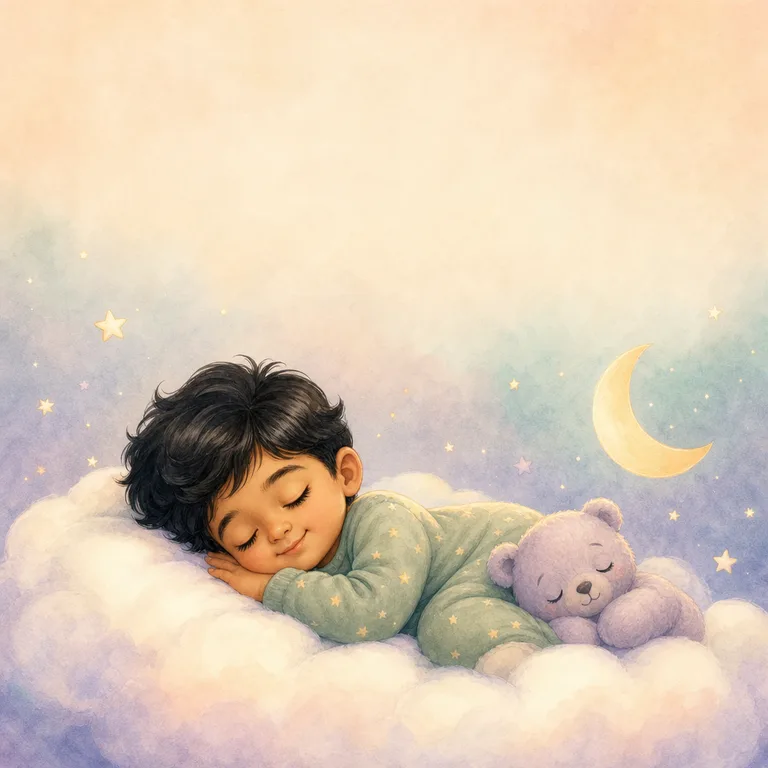
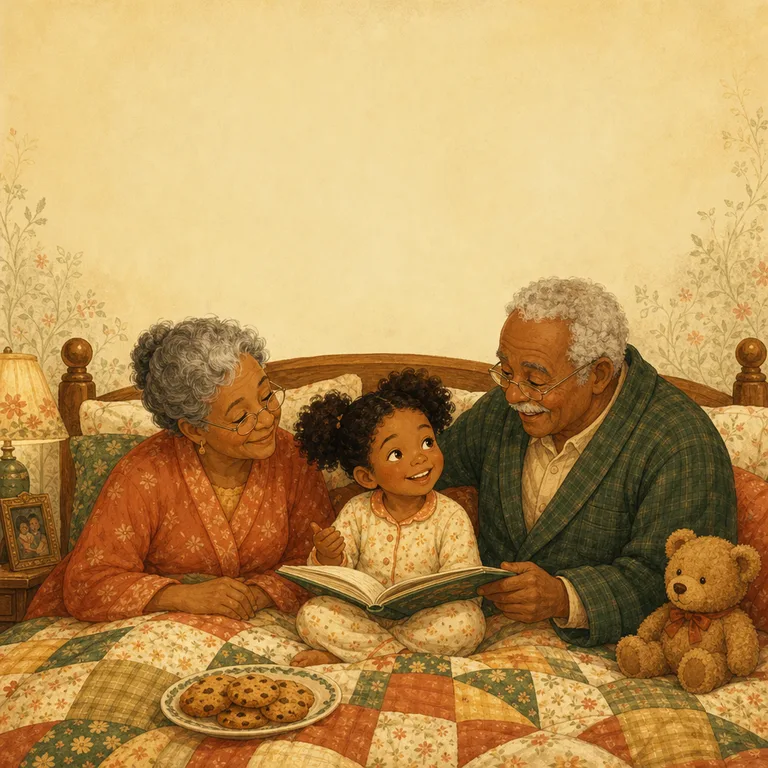
A digital picture book is a set of files, but most families want something to hold. You have three good options, depending on how much time you have and how sturdy you want the book to be.
Option 1: a hardcover from a photo-book app
This gives the most “real book” result. Photo-book services print square hardcover and softcover books, but most don’t accept a PDF. Instead you upload one picture per page and set each picture to fill the page.
Starlit Kid includes a folder of square page pictures for exactly this. Most apps require at least 20 pages, so add a few family photos at the end; they make a lovely ending. Delivery usually takes a week or two, so allow time before a birthday or holiday.
Step-by-step guides: Mixbook, Shutterfly and Walgreens.
Option 2: a local print shop
Take the PDF to a print or copy shop and ask for heavy paper (around 200 gsm or more), printed in colour, trimmed to square. Many shops can also bind it with a spiral or a simple cover. It’s often ready the same day.
See our print shop guide for exactly what to ask for.
Option 3: print it at home
Print the home & screen PDF at actual size on thick matte paper, trim the pages to square and staple or ring-bind them. It’s the fastest way to have a book tonight, and children love helping to put it together.
Tips in our print at home guide.
Which file to use
You can print as many copies as you like for your family, so one for home and one for Grandma is fine. All the options are in our printing guides.
- Page pictures (one image per page): for photo-book apps.
- Print-ready PDF (with a little extra edge for trimming): for professional printers.
- Home & screen PDF: for home printing and reading on a tablet.